By
By 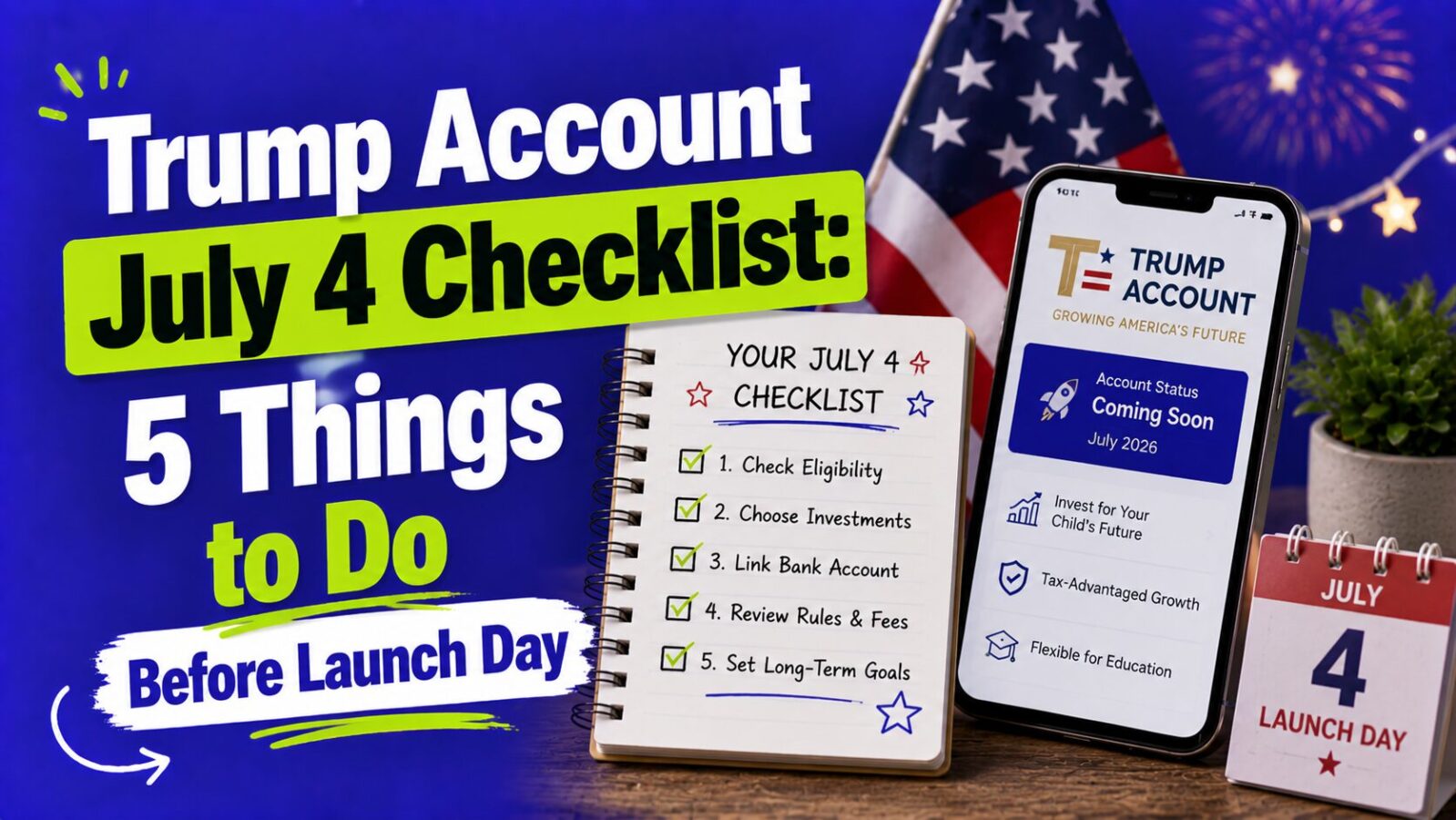
Trump Accounts are live. Contributions opened on July 4, 2026, and the $1,000 government seed is now depositing into eligible children’s accounts in phases. Whether you enrolled months ago or are just hearing about this, the to-do list has changed now that launch day has passed. Here is the updated 5-step checklist: confirm your account is active, track the seed deposit, set your contribution plan, claim employer money, and keep the scammers out.
KEY TAKEAWAYS
- Trump Accounts launched July 4, 2026. The $1,000 seed deposits in phases, so an activated account can show $0 for days or weeks. That is normal.
- Missed launch day? You lost nothing. File IRS Form 4547 any time before your child turns 18, and eligible kids (born 2025-2028) still get the seed after processing.
- The annual contribution limit is $5,000 from family and employers combined. The $1,000 seed does not count toward it.
- Employers can add up to $2,500 a year tax-free, but only if you ask. Companies including JPMorgan Chase, IBM, and Charles Schwab have announced programs.
- Official emails come only from no-reply@TrumpAccounts.Treasury.gov. Treasury never calls or texts about your account.
What Changed on July 4, 2026?
Three things switched on at once: the $1,000 Treasury contribution began depositing into eligible accounts, contributions from parents, family, and employers officially opened, and the more than 6 million families who signed up ahead of launch became active account holders, per figures reported before launch.
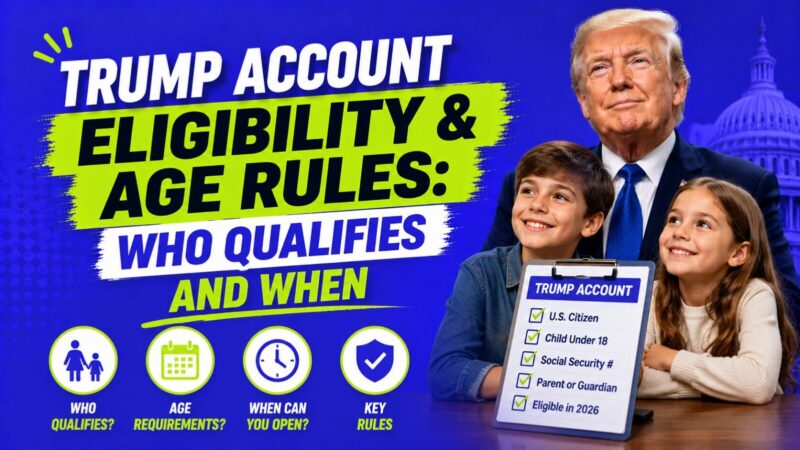
The pre-launch race is over, and the good news is that nothing expired. July 4 was launch day, not a deadline. If your child qualifies for the $1,000 seed (U.S. citizen, valid Social Security number, born January 1, 2025 through December 31, 2028), you can enroll today and still get it. The only difference is queue position: late filers wait for Form 4547 processing before the deposit lands.
What Is the Post-Launch Trump Account Checklist?
1. Confirm your account is actually active. Open the official Trump Accounts app or the web app at trumpaccount.com and make sure you can see your child’s account dashboard. If you filed Form 4547 but never finished activation, find the email from no-reply@TrumpAccounts.Treasury.gov (check spam) and complete setup. Filed but no email and no access? Use the callback request inside the official app or site, never a phone number from search results. App acting up? Run through our Trump Accounts app troubleshooting guide.
2. Track the $1,000 seed, patiently. Deposits began July 4, 2026 and roll out in waves after Treasury confirms each account is active. Days to a few weeks of waiting is normal, and the deposit is automatic: no claiming, no fees, no action needed. If the account still shows $0 after several weeks, work through why the $1,000 deposit is not showing up before contacting support.
3. Set your contribution plan. Contributions are open now, up to $5,000 per child per year from family and employers combined (the seed sits outside the cap). Starting small works: $50 a month is $600 a year, and a child who receives $1,600 in year one could have roughly $5,400 by age 18 at a 7% average annual return, before any further deposits. That is an illustration, not a promise, since returns are never guaranteed. Remember the money locks until 18, so contribute only what you will not need back. The step-by-step is in how to make your first Trump Account contribution.
4. Ask HR about employer money. Employers can contribute up to $2,500 a year, excluded from your taxable income and counted within the $5,000 cap. Companies including JPMorgan Chase, IBM, Charles Schwab, BlackRock, BNY Mellon, and Robinhood have announced contribution programs. The ask takes one email: “Does our company have a Trump Account contribution program, and how do I enroll?” The current list is in companies matching Trump Accounts in 2026.
5. Lock in your scam defenses. Launch weeks are peak fraud season. The rules that keep you safe: legitimate emails come only from no-reply@TrumpAccounts.Treasury.gov, Treasury never calls or texts about accounts, nobody legitimate charges a fee to “release” or “expedite” the seed, and you should reach the account only through the official app or by typing TrumpAccounts.gov directly into your browser. Before acting on any message about the deposit, check whether a Trump Account email is real.
What If You Haven’t Enrolled Yet?
File IRS Form 4547, the official election to open a Trump Account and request the $1,000 seed. You can complete it through trumpaccounts.gov or with your federal tax return (an amended Form 1040-X if you already filed). You will need your child’s Social Security number and your own, and the online election takes under 10 minutes. Children born before 2025 can still get an account and family contributions, just not the seed. Walkthrough here: IRS Form 4547: how to fill it out.
FAQ
Are Trump Accounts open now?
Yes. Trump Accounts launched July 4, 2026. Contributions are open, and the $1,000 government seed is depositing into eligible accounts in phases.
Did I miss the deadline if I didn’t enroll by July 4?
No. There was no deadline. You can file Form 4547 any time before your child turns 18, and eligible children born 2025 through 2028 still receive the $1,000 seed once enrollment is processed.
Why is my child’s account still at $0?
Deposits roll out in phases after activation is confirmed, so a zero balance for days or weeks after July 4 is normal. If nothing arrives after several weeks, request a callback through the official app.
How much can I contribute now that accounts are live?
Up to $5,000 per year per child from family and employers combined. The $1,000 seed does not count toward the limit, and the first $2,500 of employer contributions is excluded from your taxable income.
How do I know a message about my Trump Account is real?
Real emails come only from no-reply@TrumpAccounts.Treasury.gov, and Treasury never calls or texts. When in doubt, ignore the message and log in directly through the official app or TrumpAccounts.gov.
Bottom Line
Trump Accounts are live as of July 4, 2026. Your five moves now: confirm activation in the official app, give the phased $1,000 deposit time to land, set a contribution amount you will not miss, ask HR about the $2,500 employer benefit, and treat every call or text about the account as a scam. Missed launch day? File Form 4547 whenever you are ready, because the seed waits for eligible kids. For the complete picture, see what is a Trump Account: the complete 2026 guide.
Last updated: July 4, 2026. Program details sourced from the U.S. Department of the Treasury and IRS as of July 2026. Trump Accounts are a new program and rules can change, so confirm current details at TrumpAccounts.gov and irs.gov. This article is for educational purposes only and is not financial or tax advice. For your family’s specific situation, a quick check with a tax professional never hurts.