By
By 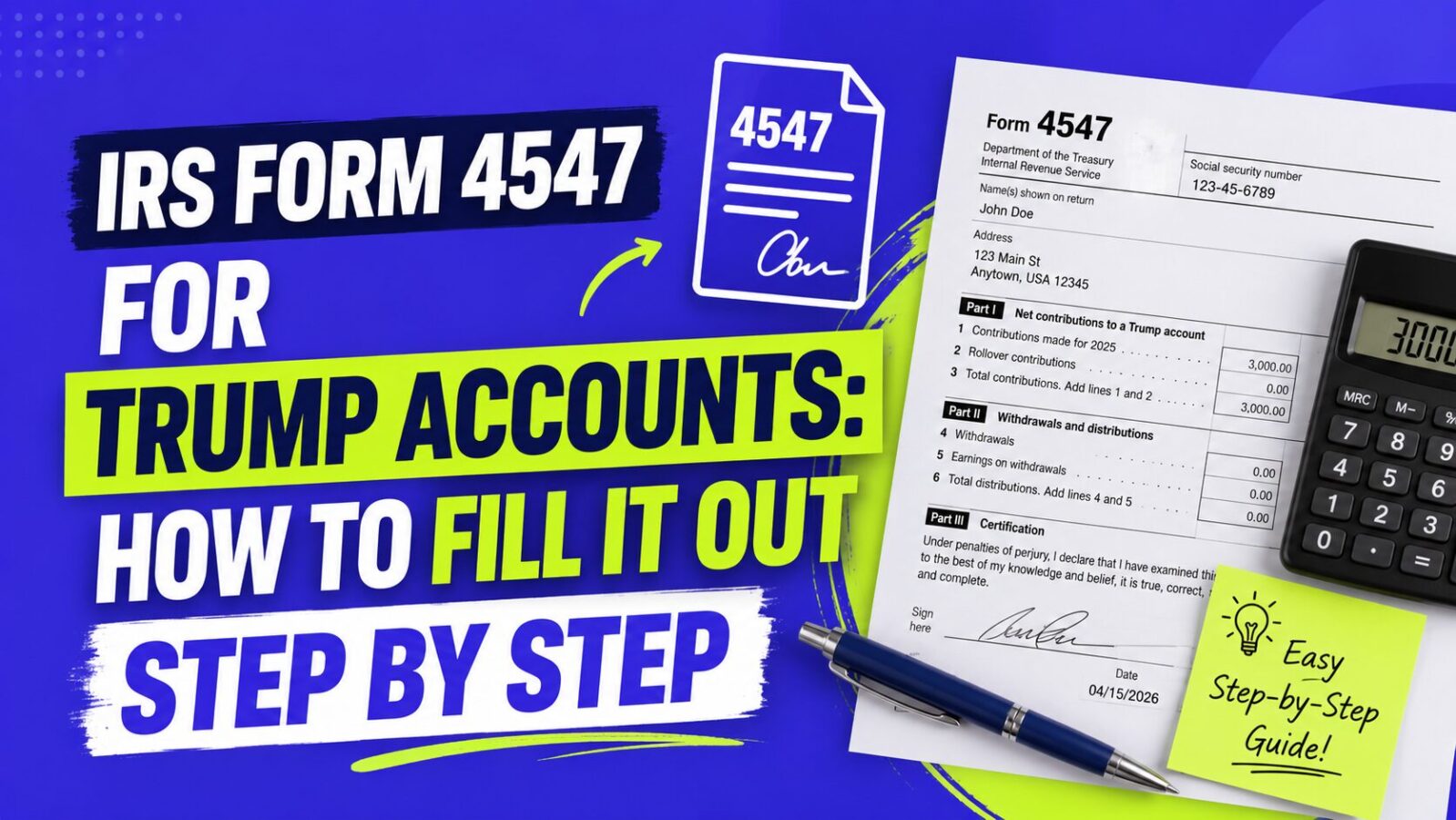
IRS Form 4547 is the one-page form you file to open a Trump Account for your child and, if they qualify, to request the $1,000 government contribution. The form number is a nod to the 45th and 47th president. You can file it two ways: online through the official portal at form.trumpaccounts.gov, or with your federal tax return. Here is exactly what the form asks for and how to complete it.
Key Takeaways
- Form 4547 is the only way to open a Trump Account (besides registering at trumpaccounts.gov). It is free and one page.
- You file it online at form.trumpaccounts.gov or with your tax return. There is no separate paid service and no fee.
- Check the Part III box (Line 7) to request the $1,000 for a child born between 2025 and 2028. Miss it and the money does not come.
- The election must be made by December 31 of the year your child turns 17, so there is no rush, but earlier filing means an earlier deposit.
- Whoever signs becomes the responsible party who picks investments while the child is a minor.
Two Ways to File Form 4547
Option 1: Online at form.trumpaccounts.gov (fastest)
The IRS built an online version of Form 4547 at form.trumpaccounts.gov. You fill it out, verify your identity, and submit, all in one sitting. This is the quickest route and lets you handle the election without waiting for tax season. You can also reach it through your IRS Online Account at IRS.gov. If you do not have an account, you can create one at IRS.gov, which uses identity verification to confirm it is really you.
Option 2: With your tax return
You can file Form 4547 with your 2025 federal tax return, or with any later year’s return, by e-filing or mailing a paper copy. The IRS calls this the simplest option for most families because the form rides along with a return you are already filing. Tax software like TurboTax and H&R Block includes Form 4547 in their filing flow. One catch: do not attach Form 4547 to an amended return (Form 1040-X). If you already filed without it, file Form 4547 separately or use the online portal instead.
What You Need Before You Start
- Your Social Security number (or ITIN)
- Your child’s Social Security number, valid for employment, with no exceptions
- Your child’s date of birth
- Your mailing address
- Your IRS Online Account login if you file online
- The intention to claim the child as your dependent, if you want the $1,000
How to Fill Out Form 4547, Part by Part
The form has four parts. For each eligible child, you complete Parts I, II, and IV, plus Part III if you want the $1,000.
Part I: Your information
Enter your name exactly as it appears on your Social Security card, your mailing address, and your SSN. The person listed here becomes the responsible party for the account. That means while your child is a minor, you choose among the eligible investments, request rollovers, and can name a successor if needed.
Part II: Your child’s information
Enter the child’s name and SSN exactly as they appear on the Social Security card, your relationship to them (son, daughter, grandchild, and so on), and their address. Line 6 is the checkbox that opens the account. A name or SSN that does not match the card is the most common reason filings get delayed, so double-check it.
Part III: The $1,000 request (do not skip this)
Line 7 is the checkbox that requests the $1,000 Treasury pilot contribution. Check it for any child born between January 1, 2025 and December 31, 2028 who is a U.S. citizen with a valid SSN and whom you are claiming as a dependent. If your child qualifies and you leave this box blank, they will not get the seed money, and you may have to file again to fix it. If your child does not qualify for the pilot, leave Line 7 blank and still complete the rest to open the account.
Part IV: Sign and date
Your signature certifies, under penalty of perjury, that you are authorized to open the account. Paper filings need a handwritten signature; typed signatures are not accepted. For online or e-filed returns, follow the prompts in the portal or your tax software.
Notice what the form does not ask for: no bank details, no investment picks, no contribution amounts. Form 4547 is only the election to establish the account. Investment and contribution choices happen afterward, once the account is activated.
The Deadline: When You Have to File By
There is no single nationwide cutoff, but there is a per-child one. The election to open an initial Trump Account must be made on or before December 31 of the calendar year in which your child turns 17. Practically, that gives most families years of runway. The reason to file sooner is the $1,000: children whose elections are processed before July 4, 2026 get the deposit on that date, while later filers get it after their election clears. If you’re wondering whether you already missed your window, our deadline FAQ walks through exactly what the April 15, 2026 date did and didn’t control.
Who Can File Form 4547?
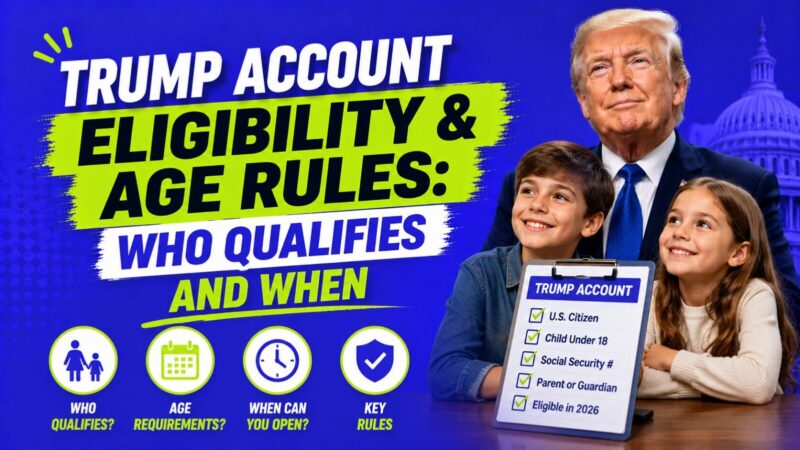
More people than just parents. The IRS defines an “authorized individual” who can open the account, and when no one is claiming the $1,000, the order of priority is: legal guardian, then parent, then adult sibling, then grandparent. If the child has a legal guardian, only the guardian can file. If there is no guardian, either parent can file regardless of filing status.
To claim the $1,000 specifically, the rule narrows: you have to be the person claiming the child as a qualifying child on your taxes. So a grandparent can open an account for a grandchild, but the pilot contribution generally goes through whoever claims the child as a dependent. For more on that, see our guide on whether grandparents can open a Trump Account.
After You File: What Happens Next
- The IRS processes your Form 4547 election.
- You get confirmation, online if you filed through the portal, or by mail if you filed with a paper return.
- Starting around May 2026, the Treasury sends account activation instructions, including identity verification, to confirmed filers. Real activation emails come only from no-reply@TrumpAccounts.Treasury.gov.
- On July 4, 2026, the $1,000 deposits for eligible children whose elections have cleared.
- Contributions from parents, family, and employers can begin July 4, 2026, up to $5,000 per child per year.
Treasury will not call or text you about activation, and there is never a fee to open the account. If an email or message asks for payment or pushes you to “claim” your $1,000 through a link, treat it as a scam. We break down the warning signs in our guide on whether the Trump Account email is legit.
How Long Processing Takes
Online and e-filed elections clear faster than paper returns, which can take weeks to process. Treasury is activating accounts in waves ahead of July 4, 2026, so filing as early as you can improves the odds of getting the deposit on that date rather than a later one. If you file close to the deadline, you still get the $1,000, just on a delayed schedule once your election is processed.
Frequently Asked Questions
Is there a fee to file Form 4547?
No. The form is free whether you file it online at form.trumpaccounts.gov or with your tax return. Anyone charging you to “file” it or “claim” the $1,000 is running a scam.
Can I file Form 4547 for a child born before 2025?
Yes. Any child under 18 with a valid Social Security number can have a Trump Account opened. They just will not receive the $1,000 pilot contribution, which is only for children born 2025 through 2028.
Can both parents file for the same child?
No. Each child can have only one Trump Account, and the IRS rejects duplicate filings. The first authorized individual to file becomes the responsible party.
What if I forget to check the $1,000 box?
You may need to correct the election to get the contribution. The IRS has not published detailed guidance on late pilot requests, so check Line 7 carefully the first time and confirm current rules on IRS.gov.
Do I pick investments on Form 4547?
No. The form only opens the account. You choose among the eligible low-cost U.S. index funds after the account is activated. See our guide to the best investments for a Trump Account.
Bottom Line
Form 4547 is a free, one-page election: open the account in Part II, request the $1,000 in Part III, sign in Part IV. File it online at form.trumpaccounts.gov or with your tax return, double-check your child’s name and SSN, and file early if you want the July 4, 2026 deposit. For everything else about the program, see our full Trump Account FAQ and the complete Trump Account guide.
This article is for informational purposes only and is not tax, legal, or financial advice. Trump Accounts are governed by the 2025 tax law, and IRS guidance is still being finalized, so forms, figures, and deadlines can change. Verify current details on IRS.gov and trumpaccounts.gov, and consult a CPA or qualified tax professional about your situation.