 By
By 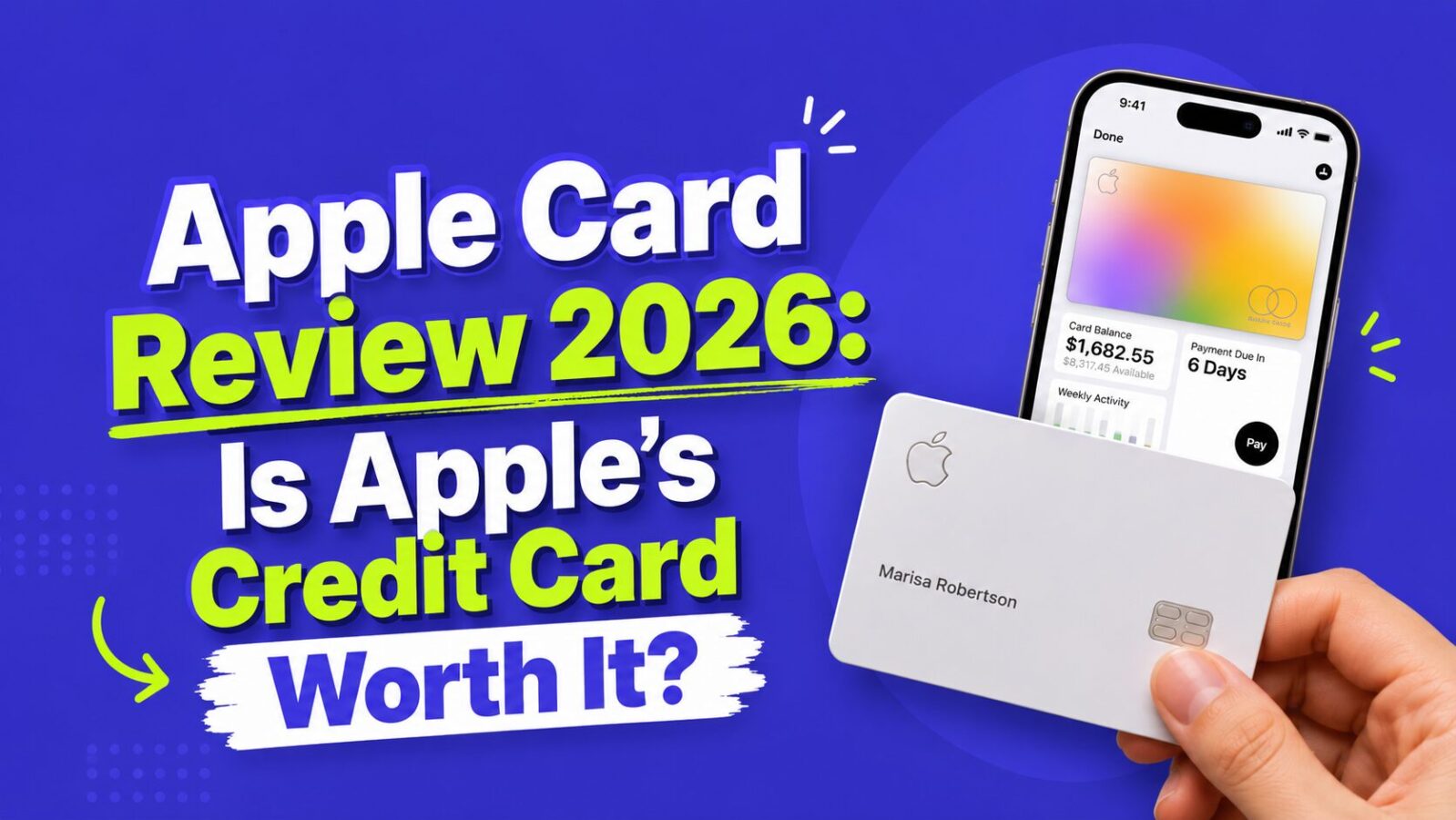
If you own an iPhone, you have almost certainly seen Apple nudge you toward its sleek, minimalist credit card at least once. The Apple Card launched back in 2019 with a promise that felt refreshing: transparent pricing, zero fees, and a rewards program that pays you every single day. Seven years later, the card is still turning heads — but behind-the-scenes uncertainty over its issuing bank, Goldman Sachs, has left many potential applicants wondering whether the Apple Card is still worth picking up in 2026.
Disclosure: Finance Pulse does not currently have an affiliate relationship with Apple Card or Goldman Sachs. This review is based entirely on editorial judgment.
- Apple Card earns 3% at Apple and select partners, 2% via Apple Pay, and only 1% on the physical card. If you use Apple Pay daily, 2% on everything is competitive — but the 1% physical rate is well below the 2% flat-rate cards offer everywhere.
- The zero-fee structure is genuinely unique: no annual fee, no late fees, no foreign transaction fees, no penalty APR. For anyone building credit, this removes the most common costly mistakes.
- Daily Cash lands in your Apple Cash balance every single day — no minimum threshold, no waiting. You can spend it immediately with Apple Pay or transfer to your bank account.
- You need an iPhone to apply and manage the card. No iPhone = cannot get this card.
- Goldman Sachs is seeking to exit the consumer card business. As of early 2026, no transition is complete. Existing cardholders are protected, but reward terms could change under a new issuer.
Card overview
| Issuer | Goldman Sachs |
| Network | Mastercard |
| Annual fee | $0 |
| Late fees | $0 |
| Foreign transaction fees | $0 |
| Over-limit fees | $0 |
| Penalty APR | None |
| Rewards | 3% Daily Cash (Apple + select merchants), 2% Apple Pay, 1% physical card |
| Sign-up bonus | None |
| APR range | 19.24% to 29.49% variable |
| Credit needed | Fair to good (670+) |
| Physical card | Titanium, laser-etched |
How Daily Cash rewards work
The Apple Card’s rewards program is called Daily Cash, and the name is literal — your cash back lands in your Apple Cash balance every single day. You can spend it with Apple Pay, send it to friends, or transfer it to your bank account. No minimum redemption threshold, no waiting.
3% Daily Cash: Purchases directly from Apple (MacBook, iCloud+, AppleCare) and select merchant partners including Uber, Uber Eats, T-Mobile, Walgreens, Nike, Panera Bread, and Exxon/Mobil.
2% Daily Cash: Every purchase made through Apple Pay — tapping your iPhone at checkout or paying online with Safari autofill. Given how widespread contactless terminals have become, this covers a large chunk of everyday spending for most iPhone users.
1% Daily Cash: Use the physical titanium card and you earn 1%. This is the card’s biggest drawback — plenty of vendors still do not accept contactless payments.
How much Daily Cash will you earn?
Daily Cash Earnings Calculator
Enter your monthly spending by payment method to see annual Daily Cash — and how it compares to flat-rate alternatives.
The zero-fee promise
Most credit cards bury fees in fine print. Apple went the opposite direction:
| Fee type | Apple Card | Typical competitor |
|---|---|---|
| Annual fee | $0 | $0 to $695 |
| Late fee | $0 | Up to $41 |
| Foreign transaction fee | $0 | Up to 3% |
| Over-limit fee | $0 | Up to $40 |
| Penalty APR | None | Up to 29.99% |
For anyone building credit from scratch, the lack of punitive fees provides a safety net while you develop strong payment habits. A first-time cardholder who pays late once will not face a $40 fee plus a permanent APR spike — genuinely rare in this industry.
Apple Pay integration and the Wallet app
Spending summaries. The Wallet app automatically categorizes transactions into Food and Drink, Shopping, Transportation, and Entertainment with color-coded weekly and monthly charts — useful for casual tracking. For a deeper budgeting system, check out our guide to the best budgeting apps.
Payment scheduling. Set up automatic payments for the minimum, a custom amount, or your full balance. The app shows exactly how much interest you will pay based on the amount you choose to pay — a surprisingly powerful motivator to pay in full.
Interest calculator. Before you carry a balance, the app shows a slider estimating your total interest cost at different payment amounts. Rare and genuinely helpful transparency.
Instant notifications. Every transaction triggers a real-time push notification with the merchant name, amount, and Daily Cash earned.
The titanium physical card
Titanium, laser-etched with your name, no card number, expiration date, or CVV printed on it — all sensitive information lives in the Wallet app. It looks and feels premium, but using the physical card earns only 1% Daily Cash. Think of it as a backup for situations where Apple Pay is not accepted. The calculator above shows exactly how much the physical card usage is costing you versus Apple Pay.
Privacy and security features
- Unique card numbers: Stored in the iPhone’s Secure Element chip, never shared with merchants
- Dynamic security codes: The CVV changes regularly
- No tracking: Apple says it does not track purchases or sell data to advertisers
- Device-level authentication: Every Apple Pay transaction requires Face ID, Touch ID, or passcode
Goldman Sachs partnership: what you need to know
Goldman Sachs has been looking to exit the consumer credit card business, and reports since late 2024 indicate the bank is seeking to transfer the Apple Card portfolio. As of early 2026, no official transition has been completed, with JPMorgan Chase and American Express reportedly in discussions with Apple.
What this means for cardholders: Your existing account is safe (regulatory rules require any acquiring bank to honor current terms). Rewards could change under a new issuer. You can still apply today. Watch for official announcements from Apple before any transition completes.
The uncertainty is worth noting but should not be a dealbreaker — credit card portfolios change hands more often than most people realize, and the cardholder experience typically remains stable through transitions.
Is the Apple Card right for you?
Quick Fit Check
Two questions to see if the Apple Card fits your situation.
Step 1: How often do you use Apple Pay?
How the Apple Card compares
| Feature | Apple Card | Citi Double Cash | Chase Freedom Unlimited | Discover it Cash Back |
|---|---|---|---|---|
| Annual fee | $0 | $0 | $0 | $0 |
| Base rewards | 1% physical / 2% Apple Pay | 2% on everything | 1.5% on everything | 1% on everything |
| Bonus categories | 3% Apple + partners | None | 3% dining/drugstores, 5% travel via portal | 5% rotating (up to $1,500/quarter) |
| Sign-up bonus | None | None | $200 after $500 spend | Cashback Match first year |
| Foreign transaction fee | None | 3% | None | None |
| Late fee | None | Up to $41 | Up to $40 | Up to $41 |
| Best for | Apple ecosystem daily users | Simple flat-rate | Everyday + dining | Category maximizers |
Pros and cons
| Pros | Cons |
|---|---|
| No annual fee, no late fees, no FTF, no penalty APR | Only 1% on physical card — well below 2% flat alternatives |
| 2% on all Apple Pay with no category tracking | No sign-up bonus |
| 3% at Apple and select merchant partners | Requires an iPhone to apply and manage |
| Daily Cash deposited every day | Limited 3% merchant partner list |
| Best-in-class Wallet app with spending insights | Goldman Sachs uncertainty — terms could change under new issuer |
| Strong privacy and security features | No travel perks (no lounge access, no trip insurance) |
| Reports to all three credit bureaus | No option to transfer rewards to travel partners |
Tips for maximizing your Apple Card
- Use Apple Pay everywhere. The jump from 1% to 2% is significant over a full year — the calculator above shows exactly how much more you earn.
- Route subscriptions through Apple. Services subscribed through the App Store earn 3% instead of 2%.
- Transfer Daily Cash to a savings account. Move Daily Cash to a high-yield savings account to earn interest on your rewards.
- Pay in full every month. APRs reach nearly 30% — carrying a balance destroys your rewards math entirely. The Wallet app’s interest slider makes this visual and concrete.
- Use the spending tools. The Wallet app’s category breakdowns can serve as a lightweight budget tracker between full budgeting sessions.
Frequently Asked Questions
Does Apple Card require an iPhone?
Yes — you need an iPhone running iOS 12.4 or later to apply, activate, and manage the Apple Card. The application process happens entirely through the Wallet app. There is no way to apply via a website or Android device. If you do not own an iPhone, you literally cannot get this card. Once the card is active, the physical titanium card can be used anywhere Mastercard is accepted — but the Wallet app features (spending summaries, Daily Cash tracking, payment management) require an iPhone. iPad-only users cannot apply either.
What is the Goldman Sachs situation and should it stop me from applying?
Goldman Sachs has been actively seeking to exit the consumer credit card business since at least late 2023. As of early 2026, reports indicate JPMorgan Chase and American Express are in discussions to acquire the Apple Card portfolio, but no official transition has been announced. For existing and new cardholders, the practical implication is: your account and current terms are safe (US banking law requires acquiring institutions to honor existing card terms), but reward rates and perks could change after any transition completes. The uncertainty is real but should not be a dealbreaker — credit card portfolios change issuers more often than most consumers realize, and the cardholder experience typically remains largely unchanged.
How does Daily Cash work exactly?
Daily Cash is Apple Card’s term for cash back rewards. After each qualifying purchase, the cash back amount posts to your Apple Cash balance the same day — hence “daily.” Apple Cash is essentially a digital prepaid card stored in your Wallet app. You can use your Apple Cash balance to make Apple Pay purchases at any merchant, send money to other Apple users via Messages, or transfer the balance to any bank account linked to your Apple Cash. There is no minimum redemption threshold, no expiration on your balance, and no waiting for a monthly statement. The effective cash back rate is 3% at Apple and select partners, 2% via Apple Pay, and 1% on the physical card.
What credit score do I need for Apple Card?
Goldman Sachs describes Apple Card as available to applicants with “fair to good” credit, which generally means a FICO score of 670+. In practice, some applicants with scores in the 600s have been approved, while others with scores above 700 have been denied due to other factors (too many recent inquiries, high debt load, short credit history). The application process is unique: you submit through the Wallet app and receive an instant decision with no hard inquiry until you accept the offer. This lets you see your potential terms and credit limit before committing.
Is Apple Card good for international travel?
Partially. The no foreign transaction fee is excellent — you pay 0% on international purchases, compared to the 3% that many cards charge. However, Apple Card offers no other travel perks: no trip cancellation insurance, no baggage delay coverage, no rental car protection, no airport lounge access, and no points transferable to airline programs. For light international travelers who just want to avoid FTF fees, it is fine. For frequent international travelers who want to maximize travel benefits, the Chase Sapphire Preferred ($95/year) or Capital One Venture X deliver significantly more value through transfer partners, trip insurance, and lounge access.
Can I add Apple Card to other devices?
The Apple Card can be added to your Apple Watch for tap-to-pay, which earns the same 2% Daily Cash as iPhone Apple Pay. It cannot be added to Android devices, other mobile wallets (Google Pay, Samsung Pay), or non-Apple devices. The physical titanium card works anywhere Mastercard is accepted globally — but earns only 1%. The card number, expiration date, and CVV are not printed on the physical card; you access them through the Wallet app under Card Details when you need them for online purchases that do not support Apple Pay checkout.
Does Apple Card build credit?
Yes. Goldman Sachs reports Apple Card activity to all three major credit bureaus (Equifax, Experian, TransUnion) monthly. This means on-time payments build your payment history (35% of your FICO score), your credit limit contributes to your available credit (affecting utilization at 30%), and the account age builds over time (15%). The no-late-fee structure actually makes it a particularly good card for credit building — while you still owe interest on unpaid balances, there is no punitive fee spike that can make a bad situation worse.
What happens to my Apple Card if I switch from iPhone to Android?
You can continue using the physical titanium card anywhere Mastercard is accepted — earning 1% Daily Cash. However, you will lose access to the Wallet app entirely, which means no spending summaries, no Digital Cash management through the app, no Apple Pay, and no easy way to make payments or view statements. You would need to access your account through Goldman Sachs’s web portal or app instead. Given how central the Wallet app is to the Apple Card experience, switching to Android significantly degrades the card’s usability. If an iPhone-to-Android switch is likely, the Citi Double Cash or another card not tied to an ecosystem is a better long-term choice.
The bottom line
The Apple Card is not the highest-earning credit card on the market, and it is not trying to be. What it offers is a clean, transparent, user-friendly experience designed for people who are tired of the usual credit card fees and fine print.
If you are deep in the Apple ecosystem and use Apple Pay daily, the Apple Card is a genuinely good choice — 2% on everything via Apple Pay with zero fees of any kind is a strong combination. Use the calculator above to see your specific earnings vs alternatives. If you rely on the physical card most of the time or want to maximize rewards with category tracking, you will leave money on the table compared to other options.
Ready to apply or compare your options?
- Ready to apply? Open the Wallet app on your iPhone and tap “Apply for Apple Card.” You will get a decision in seconds with no impact to your credit score until you accept.
- Comparing with a pure flat-rate card? Read our Citi Double Cash review — 2% on everything including the physical card, with access to ThankYou Points transfer partners.
- Not sure which card fits your situation? Our best no-annual-fee credit cards guide ranks the top options by spending profile and credit history.