By
By 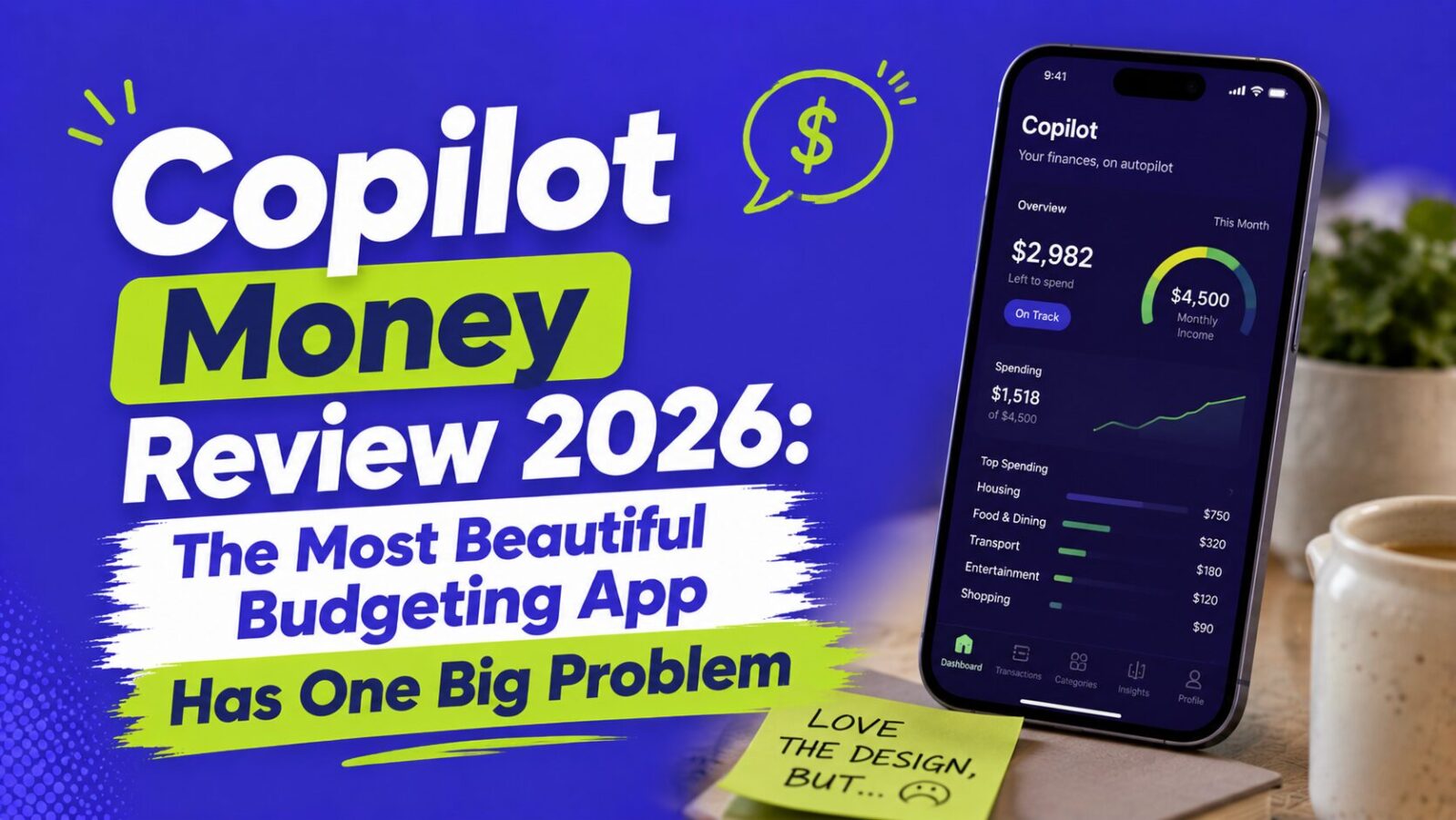
Finance Pulse may earn a commission if you sign up through links on this page. This does not affect our review.
Copilot Money is the best-designed budgeting app of 2026 and the top pick for a solo iPhone user who wants effortless spending awareness, thanks to a gorgeous interface and AI categorization that genuinely learns. At $95 a year it is also the cheapest premium app by a hair. The one big problem: it is Apple-only, with no Android app and a limited web version, so couples, Android users, and zero-based budgeters are better served elsewhere. Here is the honest review.
Key Takeaways
- Price: $95/year or $13/month, with a one-month free trial and no free tier.
- Best at: design and AI categorization that learns, the app people actually enjoy opening.
- Biggest limit: Apple-only, with no Android app and a partial web app.
- Verdict: top pick for a solo iPhone user; otherwise Monarch or YNAB fit better.
Who Is Copilot Money For?
Best for: solo iPhone, iPad, or Mac users who value design and want intelligent, low-effort transaction tracking plus net worth in one place.
Skip it if: you use Android, are in a mixed-device couple, need zero-based budgeting (use YNAB), or want CSV import or a full web experience.
What Is Copilot Money?
Copilot Money is a personal finance app founded in 2020 and built natively for iPhone, iPad, and Mac. Where most apps start as web products and port to mobile, Copilot was designed Apple-first, so every chart, animation, and interaction feels native to iOS. It connects to your bank, card, investment, and loan accounts through Plaid, then uses an AI engine to auto-categorize transactions, learning your patterns over a few weeks so most users spend only minutes a week reviewing them. A web app launched in December 2025, but as of mid-2026 it is more limited than the iOS version, and there is still no Android app.
How Much Does Copilot Money Cost?
Copilot costs $95 a year (about $7.92 a month) billed annually, or $13 a month month-to-month, with a one-month free trial and no credit card required to start. There is no free tier, no lite version, and no add-ons; every feature is in the single price. For context: Copilot $95, Monarch Money $99.99, YNAB $109. It is the cheapest premium app on annual billing, by a small margin.
What Does Copilot Do Well?
Design that makes you want to check your finances. The most common reason people abandon budgeting apps is that opening them feels like a chore, and Copilot is the best answer to that in any app at any price, with clean animated charts, visual category breakdowns, a personalized monthly review, home-screen widgets, Apple Watch support, and Siri shortcuts.
AI categorization that learns. Instead of static keyword matching, Copilot improves from your corrections, so after a few weeks it rarely misses obvious categories and handles ambiguous merchants like Amazon better over time, even suggesting refund matches and category improvements.
A granular rules engine. The most detailed custom rules of any budgeting app, by merchant, amount, range, or day, to auto-categorize, tag, split, or flag, useful for mixed business and personal spending.
Investment and net worth tracking. Brokerage, retirement, and crypto accounts sit alongside spending for a full net worth dashboard with performance and allocation views, not as deep as a dedicated tool but enough for most people. It also added a Goals tab in late 2025.
What Does Copilot NOT Do?
- No zero-based or envelope budgeting. It tracks spending against budgets but does not make you assign every dollar; if you need that discipline, use YNAB.
- No Android app. The full experience needs an Apple device, so mixed-device couples cannot both use a native app.
- No CSV import. All data starts from Plaid-connected accounts, so you cannot import Mint history or manual transactions.
- No bill negotiation or subscription cancellation like Rocket Money, though it does flag recurring charges.
- Limited web app. The web version misses the Goals tab, cash flow timeline, and month-in-review, so it is not a full replacement for mobile.
Copilot Money vs Monarch Money
These are the two top category-tracking apps, and the choice comes down to platform and philosophy. Monarch works on iOS, Android, and web with full parity, plus household sharing, cash flow projections, and an AI assistant. Copilot is Apple-native with a limited web app and no Android. On design, Copilot wins clearly for Apple users; on breadth of access and household features, Monarch wins. The $5 price gap is not the deciding factor, platform and whether you are solo or a couple is. See our Monarch Money review.
Is Copilot Money Worth $95 a Year?
For the right user, yes. Use the one-month free trial with your real accounts: if you find yourself checking it regularly because it is pleasant to open, the cost pays for itself in the behavioral value of engaging with your money instead of avoiding it. If you reach the end and are not opening it, that signals either that passive tracking is not your approach (YNAB may fit) or that an automation-first system would serve you better than any tracking app. Design only matters if it changes your behavior, but for users who engage, Copilot is one of the most effective no-effort awareness tools available. See our guide on getting out of debt.
FAQ
How much does Copilot Money cost?
$95 a year (about $7.92 a month) billed annually, or $13 a month month-to-month, with a one-month free trial and no free tier. Every feature is included in the single price.
Does Copilot Money work on Android?
No. There is no native Android app as of mid-2026. A web app launched in December 2025 covers core tracking but lacks several iOS features. Android users are better served by Monarch Money.
Is Copilot Money better than Monarch?
For a solo iPhone user who wants the best design and AI categorization, Copilot wins. For couples, Android users, or anyone needing full web access and household sharing, Monarch wins.
Does Copilot Money do zero-based budgeting?
No. It tracks spending against category budgets but does not enforce assigning every dollar a job. For zero-based discipline, use YNAB or a spreadsheet.
Bottom Line
Copilot Money is the best-looking budgeting app and the strongest pick for a solo iPhone user who wants effortless, intelligent tracking, but its Apple-only design rules out Android users and mixed-device couples. Try the free month on your real accounts, and choose Monarch for cross-platform or YNAB for active budgeting. To go deeper, see our Monarch Money review, our YNAB analysis, and our guide on getting out of debt.
Pricing verified at copilot.money as of 2026: $95/year or $13/month with a one-month free trial. Features and platform availability change, so confirm current details before subscribing. This article is for educational and informational purposes only and is not financial advice. Rating: 4.2 / 5.