By
By 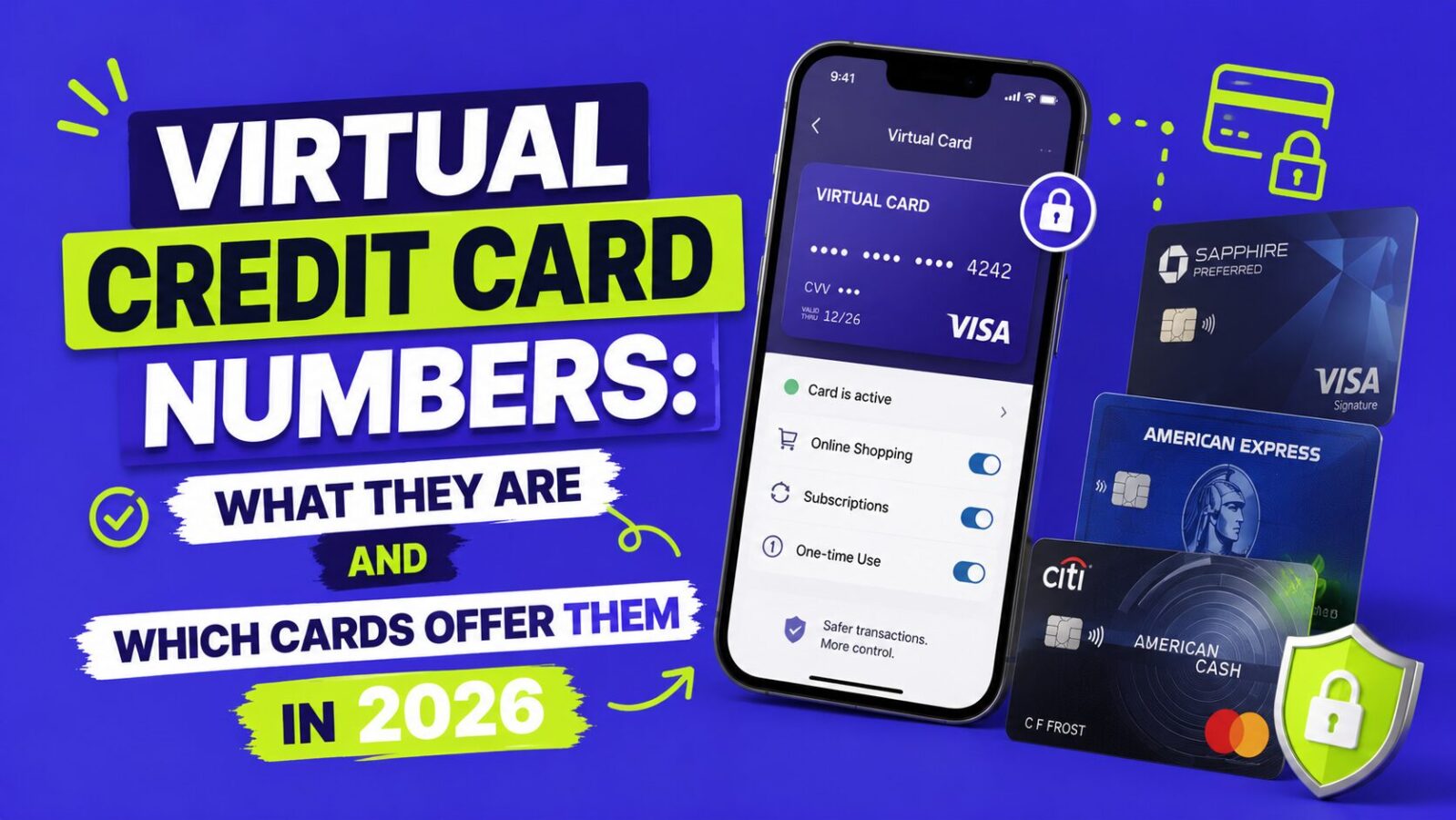
A virtual credit card number is a randomly generated, temporary card number linked to your real account. When you use it online, the merchant sees the virtual number, not your actual card. If that number is stolen in a data breach, it is useless to thieves because it is single-use or merchant-locked. It is one of the most effective and underused fraud-prevention tools available to cardholders in 2026, and Capital One, Citi, Apple Pay, Google Pay, and Privacy.com all offer a version of it. Here is how they work and which to use.
Key Takeaways
- A virtual number hides your real card from merchants, so a breach exposes a useless number.
- Capital One Eno is the smoothest option, auto-generating a merchant-locked number at checkout.
- Apple Pay and Google Pay already use virtual numbers by default for every transaction.
- They stop online fraud, not in-person skimming or account takeover, so layer your protections.
How Do Virtual Card Numbers Work?
Your issuer generates a temporary number (sometimes with its own CVV and expiration) in their app or website. You check out online with that number, and the charge still posts to your real account, but the number the merchant stores, and that hackers steal in breaches, is the virtual one. Depending on the issuer, virtual numbers work in one of three ways:
- Single-use: works for one transaction, then automatically invalidates.
- Merchant-locked: only processes charges from the merchant you created it for; others are declined.
- Time-limited: expires after a set period regardless of how many times it is used.
Which Cards Offer Virtual Card Numbers in 2026?
Capital One Eno (best implementation). Capital One’s Eno browser extension automatically generates a unique virtual number for every site where you shop, offering to create one at checkout. You can see all your virtual numbers in the Capital One app, see which merchant each is tied to, and instantly lock or delete any that looks suspicious. It is free on all Capital One personal cards (Venture, Savor, Quicksilver, and secured cards) and works in Chrome, Firefox, and Edge.
Citi Virtual Account Numbers. Citi offers virtual account numbers for most consumer cards, including the Citi Double Cash, Citi Strata Premier, and Citi Custom Cash (for existing cardholders). You generate a number on Citi’s desktop website before checking out and can set it to expire after a date or dollar limit. The catch is that it is website-only, so it is less seamless than Capital One’s extension.
Apple Pay and Google Pay (virtual by default). Any card added to Apple Pay or Google Pay uses a device account number, a unique number representing your card on that device, instead of your real number. The merchant never receives your actual card, and each transaction includes a dynamic security code that changes every time. Adding your cards is one of the simplest fraud-prevention steps available. See our guide on whether the Apple Card is worth it.
Privacy.com (works with any bank). Privacy.com generates virtual Visa debit cards for use at any merchant. You link your checking account or debit card, then create virtual cards with merchant locks and spending limits. The free tier allows 12 cards per month, and paid plans start around $5 a month with higher limits and extra features. It is especially handy for subscriptions: set a $15-a-month limit on a streaming card and it declines any overcharge, and if a company makes canceling hard, you just close the card. Note that these are debit cards, so they earn no credit card rewards and do not build credit; the fraud protection is the point.
When Are Virtual Card Numbers Most Useful?
- Small or unfamiliar online retailers, which are likelier than Amazon or Walmart to have weak security.
- Free trials that require a card, where a $0 or $1 limit blocks a surprise charge if you forget to cancel.
- Subscriptions you want to control, since locking a merchant-locked card stops billing without a customer-service call.
- International online purchases, where a virtual number caps your exposure to a single transaction.
What Don’t Virtual Cards Protect Against?
Virtual numbers stop online fraud where your number is stolen and used remotely. They do not help with:
- In-person card-present fraud (skimming, counterfeit cards); use contactless or chip for physical purchases.
- Account takeover, where thieves access your actual account credentials.
- Merchant disputes or “friendly fraud,” which are handled through your card’s chargeback rights either way.
For broader protection, see our guides on credit freeze vs fraud alert and the best free credit monitoring.
How Do You Start Using Virtual Card Numbers Today?
- If you have a Capital One card, install the Eno extension and enable it for all checkouts.
- If you have a Citi card, bookmark the virtual number generator in your Citi account.
- Add all your cards to Apple Pay or Google Pay for contactless protection on physical purchases.
- For hard-to-cancel subscriptions, sign up for Privacy.com’s free tier and route new signups through it.
FAQ
What is a virtual credit card number?
A temporary, randomly generated number linked to your real card. The merchant sees only the virtual number, so if it is stolen in a breach it is useless to thieves because it is single-use or locked to one merchant.
Which cards offer virtual card numbers?
Capital One (via the Eno extension) and Citi (via its website) offer them directly. Apple Pay and Google Pay use virtual numbers by default, and Privacy.com creates virtual debit cards that work with any bank.
Are virtual card numbers safe?
Yes, they reduce online fraud risk by hiding your real card. They do not protect against in-person skimming or account takeover, so use chip or contactless in stores and keep your login credentials secure.
Do virtual cards earn rewards?
Issuer virtual numbers (Capital One, Citi, Apple Pay) earn the same rewards as your real card. Privacy.com cards are debit and earn no rewards and build no credit; their value is the fraud protection.
Bottom Line
Virtual card numbers are a free, powerful way to cut online fraud risk by keeping your real card number off merchant servers, and most people already have access through Capital One, Citi, Apple Pay, or Google Pay. Use them for unfamiliar retailers, free trials, and subscriptions, and pair them with contactless payments in stores. To go deeper, see our guides on the best free credit monitoring, credit freeze vs fraud alert, and whether the Apple Card is worth it.
This article is for educational and informational purposes only and is not financial advice. Feature availability and pricing change, so verify current virtual card functionality with your card issuer or provider.