 By
By 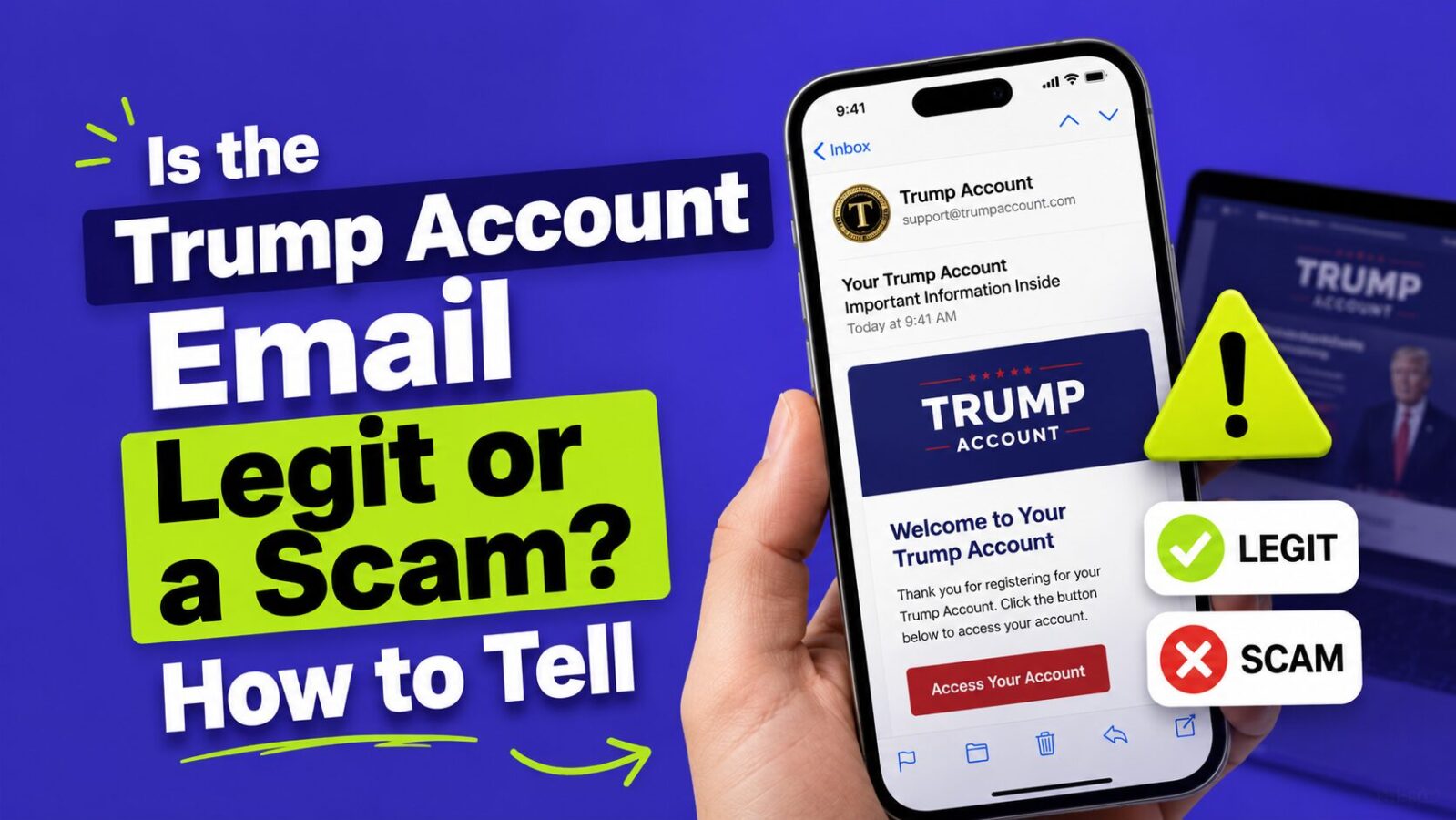
It can be legit, but only if it comes from one exact sender. Real Trump Account activation emails are sent only from no-reply@TrumpAccounts.Treasury.gov. If your email is from any other address, asks you to pay a fee, or pushes you to “claim” your $1,000 through a link, treat it as a scam. The Treasury Department confirmed this in its May 28, 2026 announcement, and the rule is simple: check the sender first, click nothing until you do.
Key Takeaways
- Legitimate activation emails come only from no-reply@TrumpAccounts.Treasury.gov.
- Treasury will not call or text you about a Trump Account. A call or text is a red flag.
- There is no fee to open a Trump Account. Anyone asking for payment is scamming you.
- When unsure, go straight to TrumpAccounts.gov or the official app instead of clicking the email.
How to Tell If It Is Real
Check the full sender address, not just the display name. Scammers fake the name “Trump Accounts” easily, but the real activation emails during this rollout come only from no-reply@TrumpAccounts.Treasury.gov. A real email confirms your account was processed and points you to finish setup in the official app or at TrumpAccounts.gov. It will not demand a payment, a gift card, or your full Social Security number through a link.
Red Flags It Is a Scam
- The sender is any address other than no-reply@TrumpAccounts.Treasury.gov, or a lookalike like “treasury-trumpaccounts.com”.
- It arrived as a text or phone call. Treasury does not contact you that way about activation.
- It asks you to pay a fee or “verify” by sending money to receive the $1,000.
- It creates urgency, like “claim within 24 hours or lose your account”.
- The link does not go to a .gov address or the official app. Hover to see the real URL before clicking.
What to Do
If anything feels off, do not click the links in the email. Open a new tab, type TrumpAccounts.gov yourself, or open the official Trump Accounts app to check your status. That one habit, typing the address instead of following a link, defeats almost every version of this scam. If you already clicked or shared details, watch your accounts, consider a credit freeze, and report it through the Treasury’s scam-reporting channels.
For more, see our guides on how to spot Trump Account scams, whether trumpaccount.com is legit, and how to use the Trump Accounts app.
FAQ
What email address does the real Trump Account email come from?
Only from no-reply@TrumpAccounts.Treasury.gov during this rollout. Any other sender is a red flag.
Will I get a text or call about my Trump Account?
No. Treasury has said it will not contact you by text or phone about activation. Those are scam attempts.
Do I have to pay to claim the $1,000?
No. There is no cost to open a Trump Account, and any request for payment is a scam.
Bottom Line
Check the sender before you do anything else. If the email is from no-reply@TrumpAccounts.Treasury.gov and does not ask for money, it is likely real. Anything else, especially a text, a call, or a fee request, is a scam. When in doubt, skip the email and go to TrumpAccounts.gov or the official app directly.
This article is for educational purposes only and is not financial or legal advice. If you believe you have been targeted by a scam, report it through official government channels.